


À propos du produit
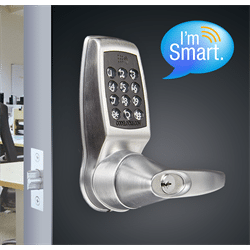
The Codelocks CL5510 has all the features of the CL4510 with ANSI Grade 2 rating for commercial use.
The CL5510 smart lever lock is a sturdy stand alone access control lock with multiple key free access options, and built in user access audit trail loging . This smart lock can be managed and user operated using bluetooth enabled iOs or Android smart phones using the K3 connect app.
This lock is perfect for rental properties, AirBNB, stand alone buildings, cottages and businesses. The CL5510 is suitable for indoor and outdoor use.
Multiple Access Options
Up to 100 smart phone clients, 100 client user codes, and 150 MIFARE smart cards are supported. Plus set up to 10 time periods in which the lock automatically unlocks for unrestricted access. Code free mode may also be turned on/off manually.
Smart Phone Set Up and User Access
Building owners & property managers can manage the lock(s), manage user codes, manage MIFARE card access, and check access logs using a Bluetooth enabled iOs or Android smart phone using the K3 Connect app. Users can use their phones to unlock the lock. Even send an invitation to another phone user to allow access.
Remote Access Code Generation
Generate time sensitive user codes and send them by email or SMS to provide remote access. No WiFi or Network or Internet is needed at the lock location, making it perfect for remote sites and cases where a network solution is not desired. Codes are generated on the Netcode site. Registration and purchase of credits required for web based Netcode generation.
Auxilliary Connections for Integration, Operation
Two on board auxilliary connectors can be used to allow remote opening such as from a reception desk, as well as remote alarm opening for emergencies. The connectors can optionally be set to sensor mode to monitor and log door status and latch in the audit log. Connectors can also be used in mixed mode or to set Lock Down mode.
The CL5510 smart lever lock is a sturdy stand alone access control lock with multiple key free access options, and built in user access audit trail loging . This smart lock can be managed and user operated using bluetooth enabled iOs or Android smart phones using the K3 connect app.
This lock is perfect for rental properties, AirBNB, stand alone buildings, cottages and businesses. The CL5510 is suitable for indoor and outdoor use.
Multiple Access Options
Up to 100 smart phone clients, 100 client user codes, and 150 MIFARE smart cards are supported. Plus set up to 10 time periods in which the lock automatically unlocks for unrestricted access. Code free mode may also be turned on/off manually.
Smart Phone Set Up and User Access
Building owners & property managers can manage the lock(s), manage user codes, manage MIFARE card access, and check access logs using a Bluetooth enabled iOs or Android smart phone using the K3 Connect app. Users can use their phones to unlock the lock. Even send an invitation to another phone user to allow access.
Remote Access Code Generation
Generate time sensitive user codes and send them by email or SMS to provide remote access. No WiFi or Network or Internet is needed at the lock location, making it perfect for remote sites and cases where a network solution is not desired. Codes are generated on the Netcode site. Registration and purchase of credits required for web based Netcode generation.
Auxilliary Connections for Integration, Operation
Two on board auxilliary connectors can be used to allow remote opening such as from a reception desk, as well as remote alarm opening for emergencies. The connectors can optionally be set to sensor mode to monitor and log door status and latch in the audit log. Connectors can also be used in mixed mode or to set Lock Down mode.
Codelocks CL5510 Features:
- Suitable for indoor and outdoor use
- Up to 100 client user codes, 4-6 digits
- Up to 150 MIFARE smart cards. Supports Classic, Desfire, Ultralite (cards not included)
- Up to 100 iOs or Android phone clients (users)
- Remotely invite phone users
- Remote Netcode generation
- No network or Wifi connection needed for the lock
- May be set up and managed at the keypad or using a smart phone
- Audit log may be accessed by smart phone
- Up to 10 time scheduled code free access periods
- Mortise latch lock with lever, 60mm latch
- Door thickness: 35mm-60mm (1 3/8"" - 2 3/8"")
- Two auxilliary multi-purpose connectors
Spécifications techniques
The Codelocks CL5510 has all the features of the CL4510 with ANSI Grade 2 rating for commercial use.
The CL5510 smart lever lock is a sturdy stand alone access control lock with multiple key free access options, and built in user access audit trail loging . This smart lock can be managed and user operated using bluetooth enabled iOs or Android smart phones using the K3 connect app.
This lock is perfect for rental properties, AirBNB, stand alone buildings, cottages and businesses. The CL5510 is suitable for indoor and outdoor use.
Multiple Access Options
Up to 100 smart phone clients, 100 client user codes, and 150 MIFARE smart cards are supported. Plus set up to 10 time periods in which the lock automatically unlocks for unrestricted access. Code free mode may also be turned on/off manually.
Smart Phone Set Up and User Access
Building owners & property managers can manage the lock(s), manage user codes, manage MIFARE card access, and check access logs using a Bluetooth enabled iOs or Android smart phone using the K3 Connect app. Users can use their phones to unlock the lock. Even send an invitation to another phone user to allow access.
Remote Access Code Generation
Generate time sensitive user codes and send them by email or SMS to provide remote access. No WiFi or Network or Internet is needed at the lock location, making it perfect for remote sites and cases where a network solution is not desired. Codes are generated on the Netcode site. Registration and purchase of credits required for web based Netcode generation.
Auxilliary Connections for Integration, Operation
Two on board auxilliary connectors can be used to allow remote opening such as from a reception desk, as well as remote alarm opening for emergencies. The connectors can optionally be set to sensor mode to monitor and log door status and latch in the audit log. Connectors can also be used in mixed mode or to set Lock Down mode.
The CL5510 smart lever lock is a sturdy stand alone access control lock with multiple key free access options, and built in user access audit trail loging . This smart lock can be managed and user operated using bluetooth enabled iOs or Android smart phones using the K3 connect app.
This lock is perfect for rental properties, AirBNB, stand alone buildings, cottages and businesses. The CL5510 is suitable for indoor and outdoor use.
Multiple Access Options
Up to 100 smart phone clients, 100 client user codes, and 150 MIFARE smart cards are supported. Plus set up to 10 time periods in which the lock automatically unlocks for unrestricted access. Code free mode may also be turned on/off manually.
Smart Phone Set Up and User Access
Building owners & property managers can manage the lock(s), manage user codes, manage MIFARE card access, and check access logs using a Bluetooth enabled iOs or Android smart phone using the K3 Connect app. Users can use their phones to unlock the lock. Even send an invitation to another phone user to allow access.
Remote Access Code Generation
Generate time sensitive user codes and send them by email or SMS to provide remote access. No WiFi or Network or Internet is needed at the lock location, making it perfect for remote sites and cases where a network solution is not desired. Codes are generated on the Netcode site. Registration and purchase of credits required for web based Netcode generation.
Auxilliary Connections for Integration, Operation
Two on board auxilliary connectors can be used to allow remote opening such as from a reception desk, as well as remote alarm opening for emergencies. The connectors can optionally be set to sensor mode to monitor and log door status and latch in the audit log. Connectors can also be used in mixed mode or to set Lock Down mode.
Codelocks CL5510 Features:
- Suitable for indoor and outdoor use
- Up to 100 client user codes, 4-6 digits
- Up to 150 MIFARE smart cards. Supports Classic, Desfire, Ultralite (cards not included)
- Up to 100 iOs or Android phone clients (users)
- Remotely invite phone users
- Remote Netcode generation
- No network or Wifi connection needed for the lock
- May be set up and managed at the keypad or using a smart phone
- Audit log may be accessed by smart phone
- Up to 10 time scheduled code free access periods
- Mortise latch lock with lever, 60mm latch
- Door thickness: 35mm-60mm (1 3/8"" - 2 3/8"")
- Two auxilliary multi-purpose connectors
Comparaison de produits
Garantie du produit
Garantie standard du fabricant, le cas échéant
Politique de retour
Garantie de prix
!00% nous sommes toujours en dessous du prix du marché.
Explorez les collections de marque
Nos services


-
 Voir plus
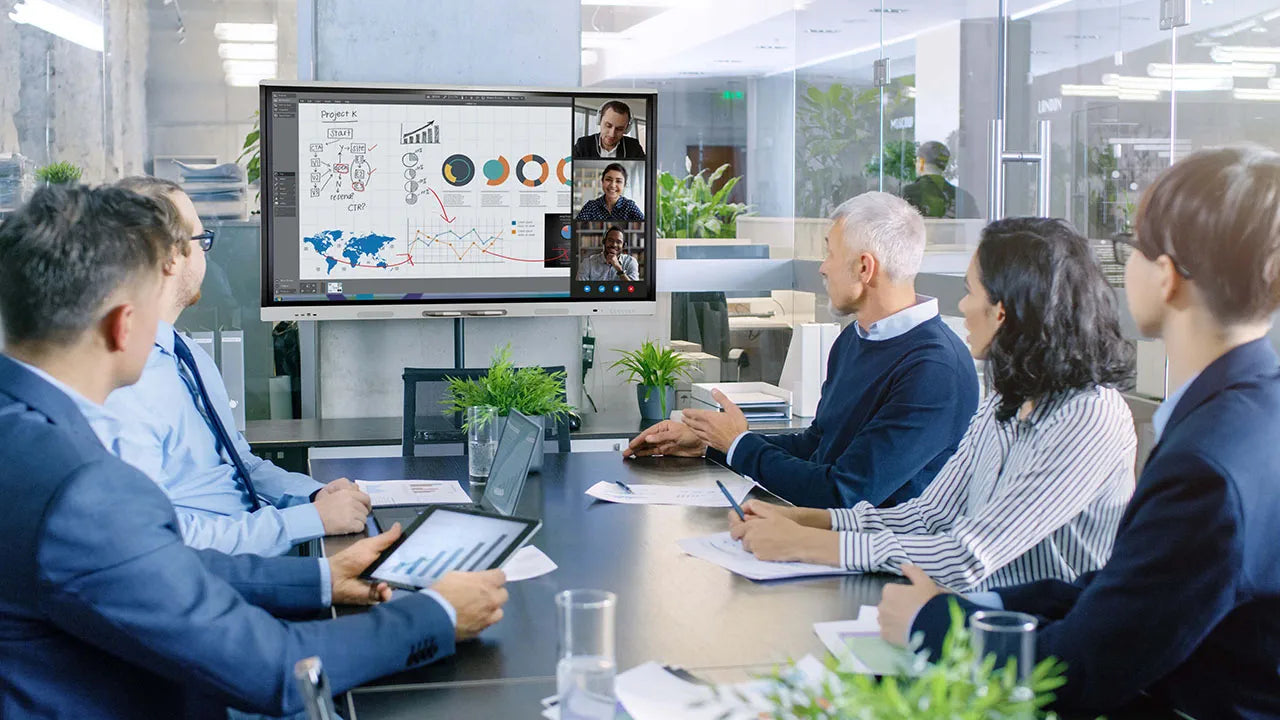
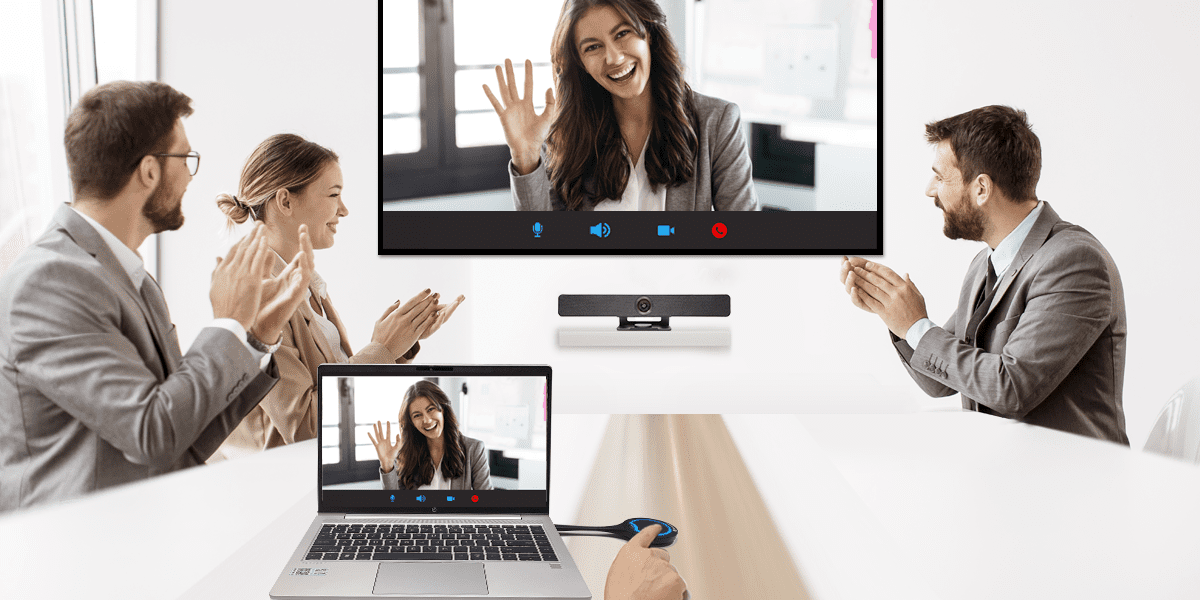
Concevoir et construire des espaces de travail, des salles de conférence et des salles de réunion
-
 Voir plus
Service informatique géré, services d'assistance, serveurs et réseaux
-
 Voir plus
Évaluation, acquisition et personnalisation des appareils de nouvelle génération
-
 Voir plus
Continuité des activités, sécurité, sauvegarde et reprise après sinistre
-
 Voir plus
Structure du cloud, migration, optimisation et sécurité
-
 Voir plus
Numérisation, conservation des données, automatisation, applications de développement
